My Customer Portal
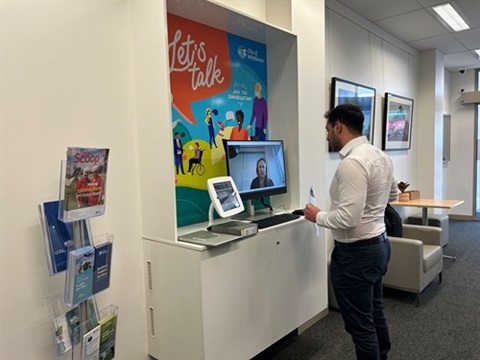
As part of our commitment to accessibility and innovation our Customer Portal eService portalprovides residents with a faster and more efficient experience.
Our online Customer Portal is a one-stop shop where you can lodge requests as an individual or on behalf of a business, keep up with the status of your requests and manage your details.
Create a My Council account
- Go to Customer Portal
- Select either 'I am an individual' or 'I am a business' option
- Complete the required fields and click 'Create an account'.
You will receive a confirmation email with an account registration code to activate your account. Once your profile has been created, you can proceed to submit your request.
If you require assistance setting up your customer portal account, please call us on 03 9217 2170 and select option 5 – Customer Service.
Online payment services
The services below can be accessed without logging into a Customer Portal
How to use the eService centre
When your rates, parking fine or dog or cat registration notice arrives in the mail, follow the directions on the notice to log in to eService. You may need to pre-register for access to some eService transactions to ensure that privacy and security are maintained.
You'll also find useful tools for dealing with your property. If you have lodged a planning application with Council, you can check where it's at in the approval process.
Go to the eService centre